Project knowledge
Build a project knowledge base for brand assets, product facts, competitor evidence and content rules.
- Archive sources by project boundary
- Keep knowledge linked to content

Connect project knowledge, content creation, review and publishing in one traceable, collaborative workflow.
Brand assets, product facts, competitor samples and content rules accumulate inside one project.
Keep project knowledge, samples, tasks, reviews and media accounts in one business chain, with less copying and fewer status checks.
Build a project knowledge base for brand assets, product facts, competitor evidence and content rules.
Manage creator samples, public content and historical assets as traceable inputs for planning and creation.
Create articles, scripts and images with version comparison, comments and compliance checks.
Connect media resources to projects, prepare platform assets and track publishing, comments and outcomes.
From project setup to outcome reporting, every step has a clear owner, project boundary and status.
Define scope, members and information boundaries before content work begins.
Organize brand, product, competitor, guideline and reference material into reusable evidence.
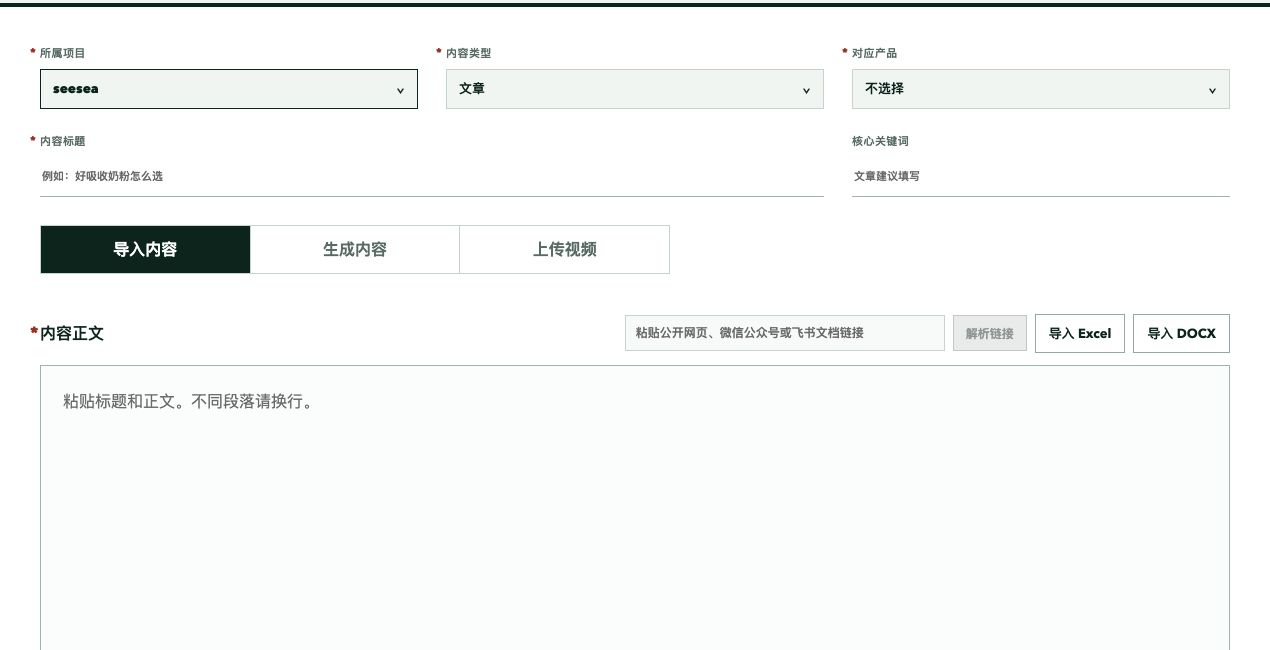
Import pages, documents, images and video, or create articles and scripts around project goals.
Move content forward with comments, compliance checks, version history and clear role ownership.
Adapt content and publishing assets for WeChat, Channels, Xiaohongshu and Douyin.
Connect project media resources and track publishing, comments, task progress and outcomes.
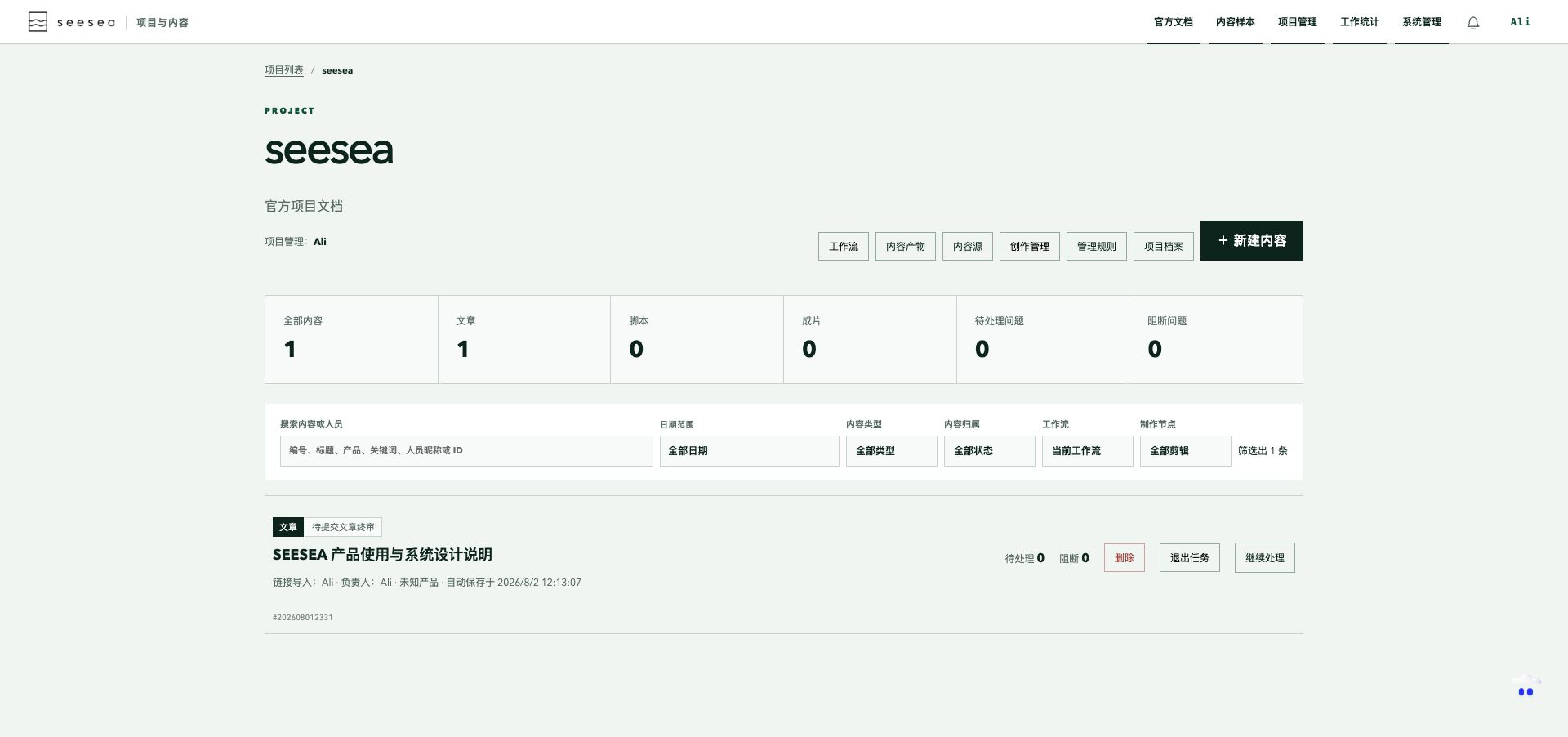
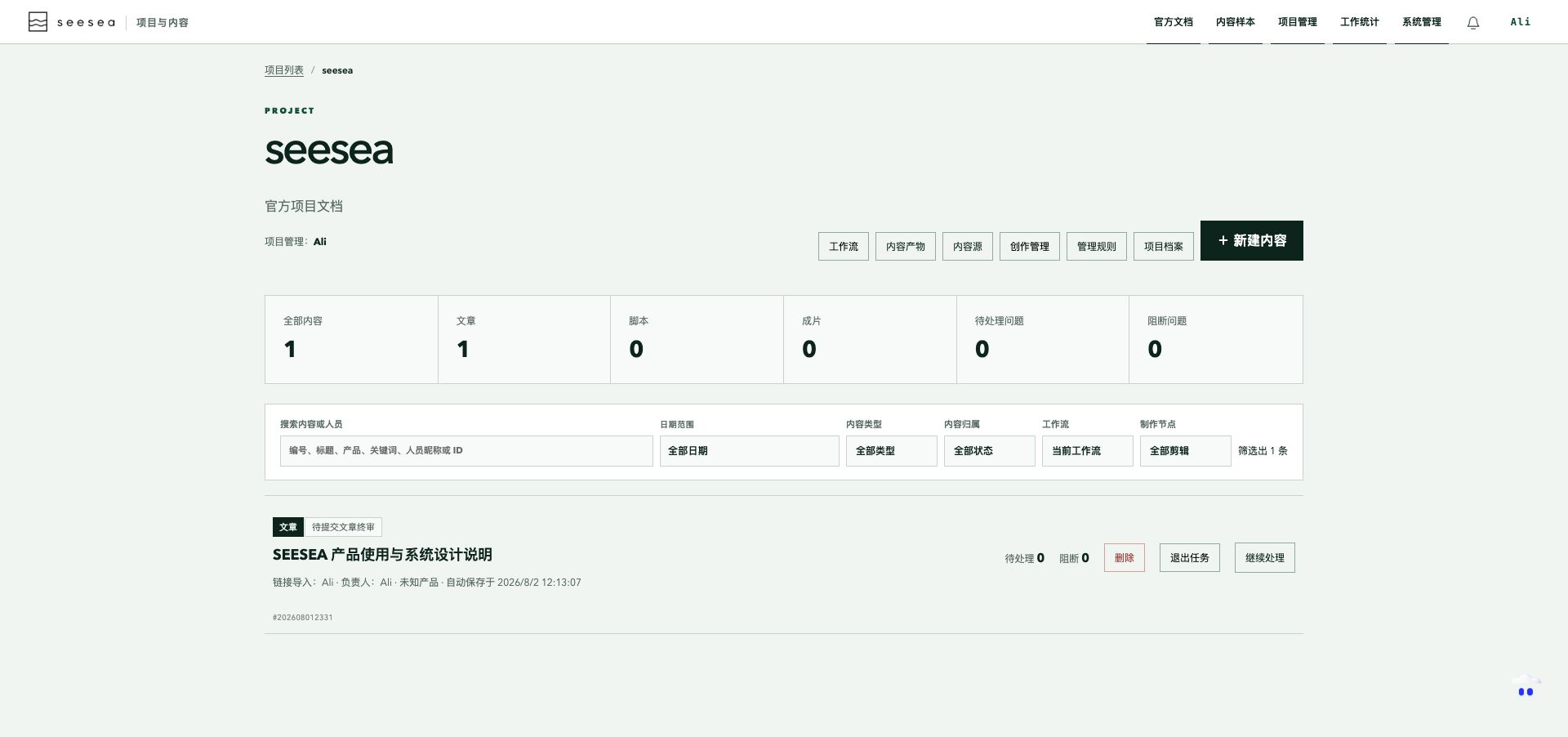
Content samples open directly after sign-in. Knowledge bases, Seya and digital-human assets remain within each project boundary.
Import public links and files while retaining sources, covers and parsing results for planning and creation.
Select approved content, shape its structure, publish a fixed version and maintain access by project.
Answer within project boundaries, show actual citations and assist with creation, capture and transcription tasks.
Maintain digital-human visuals, voice components and reusable persona combinations inside project creation management.
 WeChat
 WeChat Channels
 Xiaohongshu
 Douyin
Available authorization and publishing capabilities depend on project configuration, platform APIs and account permissions.
The extension connects platform sessions in the current browser for media-account authorization and public creator-sample capture.
Users initiate account pairing and capture. Once paired, the extension periodically synchronizes account status and posts, and checks for queued publishing tasks.
Platform sessions and cookies remain in the current browser and are not uploaded to seesea.
Only account identification, task progress and capture results return to seesea.
Start account authorization inside a project, choose a platform and complete sign-in.
Open the platform sign-in page, identify public account basics and return binding status.
Cookies and passwords stay local. Authorization applies only to the current project.
Start a capture task inside a project and enter a creator profile or public content link.
Open the target page and extract public text, images and visible page data.
Private messages and private comment data are excluded. Capture runs only when initiated.
This page explains the product. After sign-in, continue in the existing seesea project workbench without a separate demo backend.